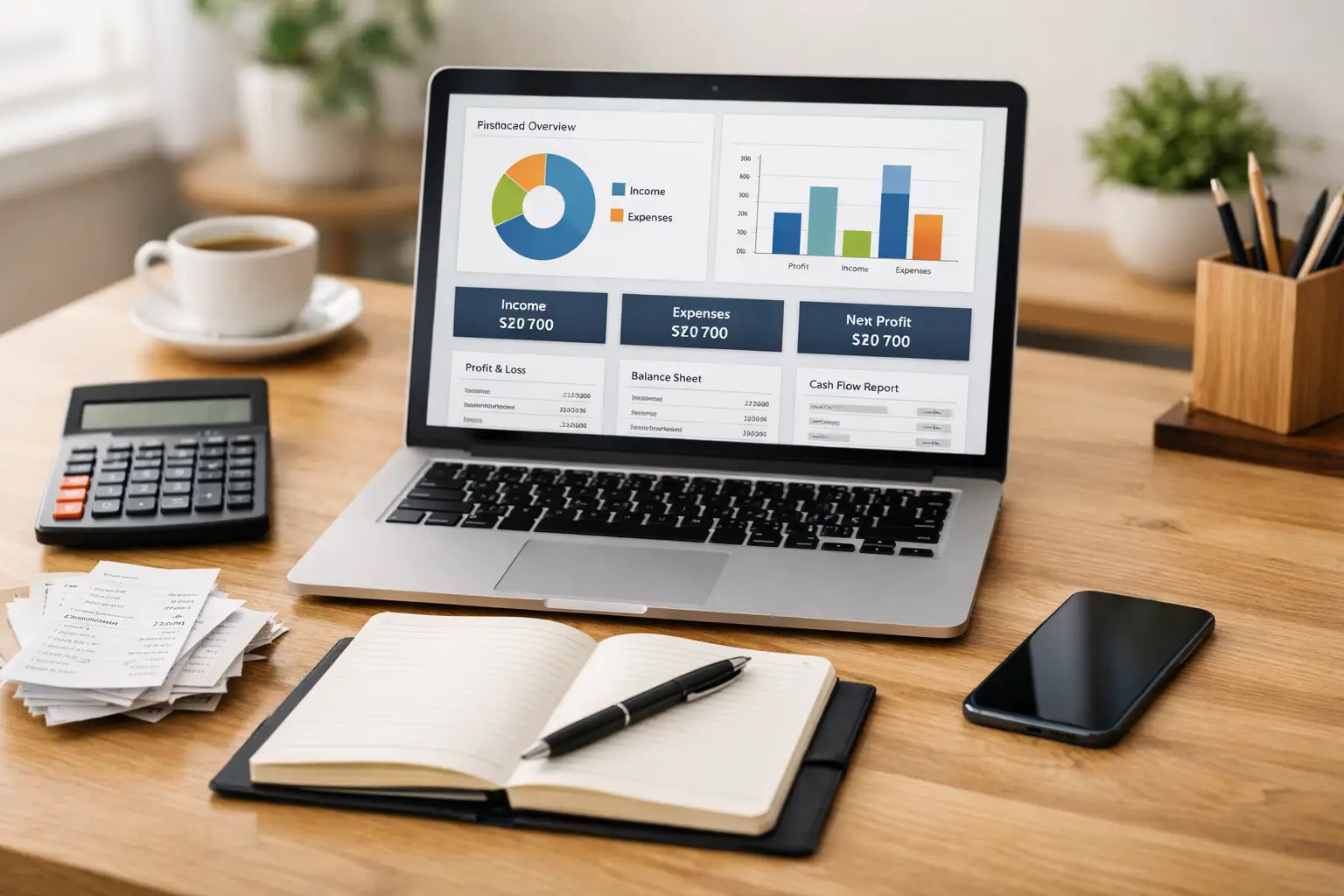
If you’re running a business without a solid financial structure, you’re essentially flying blind. An accounting system for small business is more than just software, it’s the backbone of your financial clarity, decision-making, and long-term success.
When set up correctly from the beginning, your accounting system helps you avoid costly mistakes, stay compliant with taxes, and confidently understand where your money is going (and growing).
Let’s walk through exactly how to build one step-by-step, without the overwhelm.
What Is an Accounting System?
An accounting system for small business is a combination of tools and processes used to track, organize, and analyze your financial data.
It typically includes:
- Accounting software (like QuickBooks or FreshBooks)
- Structured processes for recording transactions
- Financial reports that show performance
A properly built system allows you to clearly see:
- Your profitability
- Your cash flow
- Your overall financial health
Think of it as your business’s financial GPS—it tells you where you are and helps guide where you’re going.
Why Every Small Business Needs an Accounting System
Many small business owners start out using spreadsheets—or worse, mental math (we’ve all been there 😅). But as your business grows, that approach quickly becomes risky.
Without a proper accounting system, you may experience:
- Disorganized or missing financial records
- Missed expenses and deductions
- Tax filing errors or penalties
- Poor financial decisions due to lack of clarity
A structured accounting system for small business gives you control, visibility, and confidence in your numbers.
And here’s the truth: the sooner you implement it, the easier your business becomes to manage.
Step-by-Step: How to Set Up an Accounting System
Let’s break this down into a simple, actionable process.
Step 1 — Choose the Right Accounting Software
Your software is the foundation of your entire accounting system.
Popular options include:
- QuickBooks – Great for scalability and reporting
- FreshBooks – Ideal for freelancers and service-based businesses
When choosing your platform, consider:
- Your business size and growth plans
- Features you need (invoicing, payroll, reporting)
- Ease of use
- Budget
Pro Tip: Cloud-based software allows you to access your finances anytime, anywhere, which is a game-changer for modern business owners.
Step 2 — Create a Chart of Accounts
Your chart of accounts is how your finances get organized behind the scenes.
It categorizes your:
- Income (sales, services)
- Expenses (rent, marketing, software)
- Assets (cash, equipment)
- Liabilities (loans, credit cards)
Think of it as the filing system for your money, if it’s messy here, everything else becomes confusing.
Step 3 — Connect Your Financial Accounts
Next, integrate your system with your financial accounts:
- Business bank accounts
- Credit cards
- Payment processors (Stripe, PayPal, etc.)
This automation helps:
- Reduce manual data entry
- Minimize errors
- Keep your records up to date in real time
Translation: less busy work, more accuracy.
Step 4 — Set Up Expense Tracking
Consistent expense tracking is one of the most important parts of your accounting system.
Make sure you:
- Record every transaction
- Categorize expenses correctly
- Save receipts when needed
Why it matters:
- Maximizes tax deductions
- Prevents missed expenses
- Gives a true picture of profitability
If you’re guessing your expenses… your numbers aren’t accurate. Period.
Step 5 — Establish Financial Reporting
Now comes the powerful part, your reports.
Every accounting system for small business should generate these monthly:
- Profit & Loss Statement – Shows income vs. expenses
- Balance Sheet – Snapshot of assets and liabilities
- Cash Flow Statement – Tracks money moving in and out
These reports help you:
- Make smarter business decisions
- Identify growth opportunities
- Catch financial issues early
Common Mistakes to Avoid
Even with the best intentions, many business owners fall into these traps:
- Mixing personal and business finances
- Not reconciling accounts regularly
- Ignoring financial reports
- Waiting too long to set up a system
Small mistakes in your accounting system can turn into big financial problems later.
Should You Set It Up Yourself?
Yes, you can set up your own accounting system for small business.
But here’s what often happens:
- Things get set up incorrectly
- Reports don’t make sense
- Important financial insights are missed
Working with a professional ensures:
- Accuracy from day one
- Proper structure for growth
- Confidence in your financial data
Think of it like building a website; you can DIY it… but strategy makes all the difference.
When to Upgrade Your Accounting System
Your system should evolve as your business grows.
It’s time to upgrade if:
- Your business is scaling quickly
- Your reports feel confusing or incomplete
- You’re preparing for funding or loans
- You’re spending too much time managing finances manually
A scalable accounting system supports your growth, not slows it down.
FAQ: Accounting System for Small Business
What is the best accounting system for small business?
The best system depends on your needs, but most businesses benefit from cloud-based tools like QuickBooks or FreshBooks.
How much does it cost to set up an accounting system?
Costs vary depending on your software choice and whether you hire a professional. Basic setups can be affordable, while advanced systems may require a larger investment.
Can I manage my accounting system myself?
Yes—but working with a professional can improve accuracy, save time, and help you better understand your financial data.
Build a Strong Financial Foundation
A well-built accounting system for small business isn’t just about tracking numbers—it’s about building a foundation for smarter decisions, sustainable growth, and long-term success.
When your finances are clear, your strategy becomes clearer too.
And that’s where real business growth begins.